 English
 Bengali
TK696 Login — Fast Access to Your Casino Dashboard
You've probably heard your friends chatting about TK696 during a cricket match, maybe even seen it come up while scrolling through your feed, and now you're parked at the login page trying to figure out which button does what.
Getting into your account here honestly takes around eight seconds once you've done it once, and the sign-up itself is barely longer. Let me walk you through it like I'd explain to a mate at the tea stall.
🔑 How to Sign In to TK696
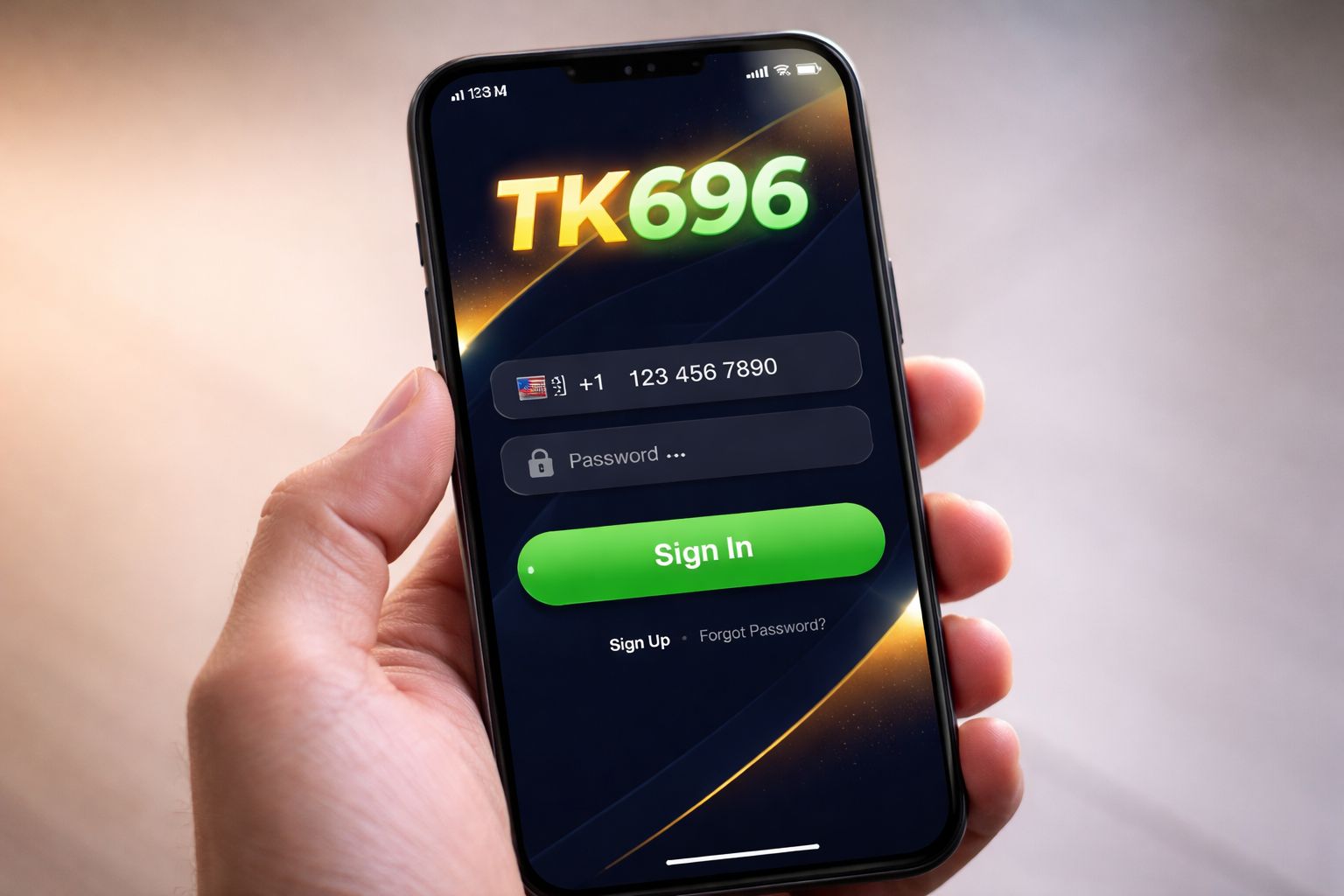
Load the website or launch the app, glance at the top-right corner, and you'll spot the bright Sign In button waiting for you. Give it a tap.
Type in the username (or the phone number you used at signup) along with your password, tap the confirm button, and that's it — you're through the gate.
Three ways to log in:
| Method | Requires | Average Speed |
|---|---|---|
| Username + password | Manual entry | ~8 sec |
| Phone number + password | Manual entry | ~8 sec |
| Biometric (app only) | Fingerprint / Face unlock | ~2 sec |
One quick heads-up players often miss: if you're logging in from a borrowed phone or a shared laptop at a cyber café, uncheck the "keep me signed in" option. That single tick saves you a lot of headache later.
Already got an account and just want to jump straight to the tables? Head over to the casino lobby after you sign in and pick your game.
📝 Opening a Fresh Account
Don't have an account yet? The signup is genuinely quick and all you need is:
- ✅ An active Bangladesh mobile number
- ✅ A mobile wallet you actually use (bKash, Nagad, or Rocket)
- ✅ Around 2 minutes of your time
Here's the walkthrough:
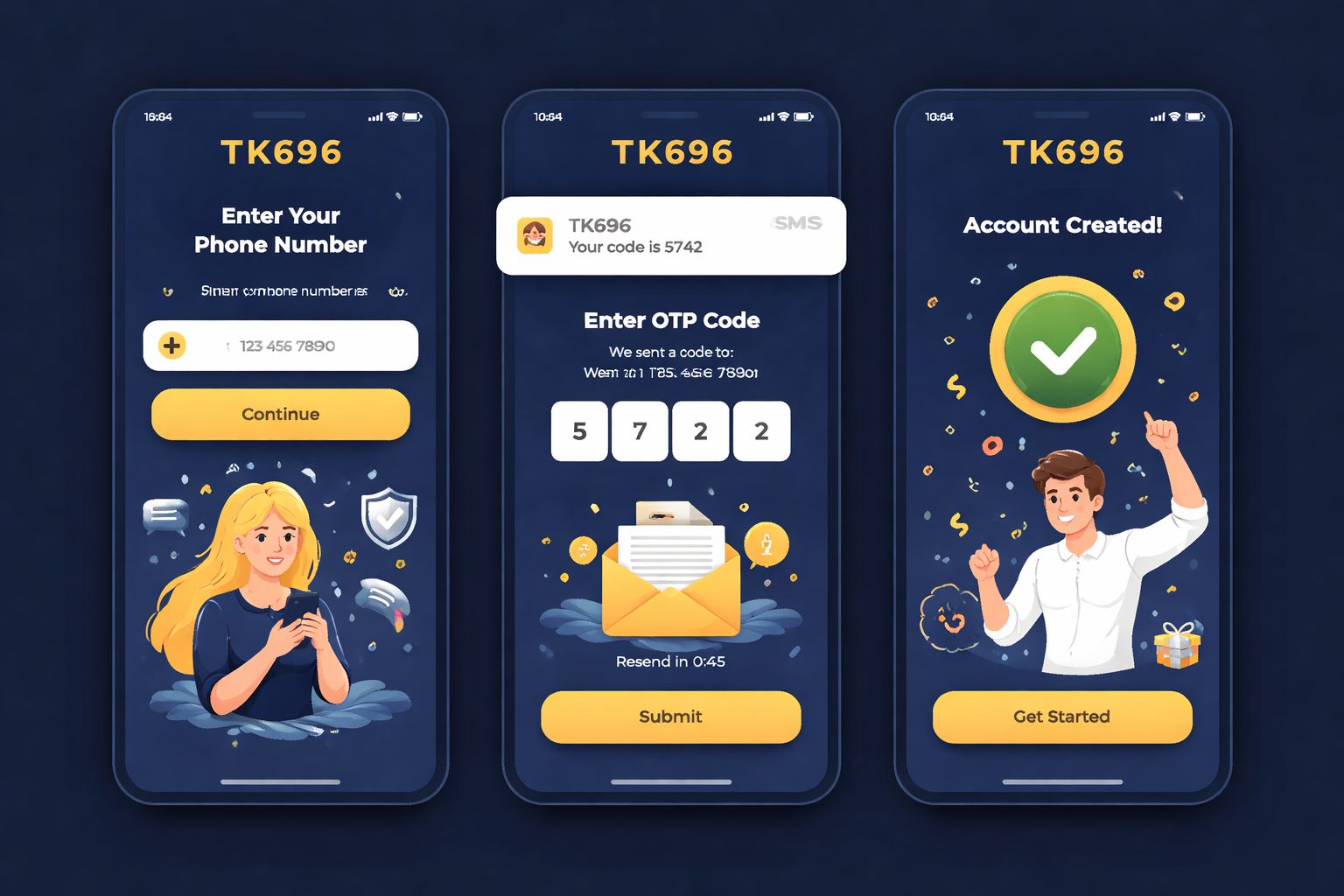
- Tap the Register button from the homepage or inside the app
- Type in your Bangladesh mobile number — use the one tied to your bKash or Nagad wallet (this is important later when the name has to match on withdrawals)
- Pick a strong password — throw in letters, digits, and at least one symbol
- Fill in your full name — exactly as it shows on your NID card
- Select BDT as your account currency
- Enter a promo code if one's been shared with you — that's where the welcome offer gets unlocked
- Confirm the OTP that lands in your SMS inbox
- Finish up — your account is officially live
Once you're logged in, feel free to browse the slots collection or explore the games library before depositing even a single taka. Zero pressure to fund the account right away.
What you won't be asked for at signup:
- ❌ Email verification (optional, you can add it later)
- ❌ NID upload (only required before your first withdrawal)
- ❌ Selfie or KYC (kicks in only for withdrawals above ৳10,000)
- ❌ Address proof (never requested at registration)
That's a much friendlier entry point than most Bangladesh casinos I've tried recently.
🔒 Keeping Your Account Safe
Your TK696 account is basically your digital wallet, so guard it the same way.
Do:
- ✅ Pick a password that isn't reused anywhere else — mix letters, numbers, and a symbol
- ✅ Switch on 2FA (two-factor authentication) under settings — sends an SMS or email code whenever a new device signs in
- ✅ Enable biometric login on the Android app — fingerprint or Face ID works instantly
- ✅ Sign out on shared devices — that includes your cousin's laptop
- ✅ Peek at your login history monthly (Settings → Security → Login Activity)
Don't:
- ❌ Hand out your login credentials to anyone — not even trusted family
- ❌ Save your password in Chrome or Safari on a public computer
- ❌ Click on "reset your password" emails you never asked for — always type the URL yourself
- ❌ Play with real money over open public wifi without a VPN — restaurant and hotel networks are riskier than folks realise
- ❌ Reply to random Telegram accounts claiming to be "TK696 support" — genuine support only exists inside the site or app
Stay alert to phishing: if you receive an SMS or email pretending to be TK696 and pushing you toward a login link, examine the URL closely. The legit domain is tk-696.com — anything with extra words like "tk696-promo.com" or "tk696-secure-login.net" is a scam trying to steal your credentials.
❓ Recovering a Lost Password
Forgotten your password? Happens to everyone. The quickest way back in:
- Tap "Forgot Password" right on the sign-in screen
- Enter the phone number tied to your account
- Receive a 6-digit SMS code within seconds
- Type the code into the recovery form
- Choose a new password
- Sign in using your fresh credentials
Start to finish, this whole thing wraps up in around 2 minutes. Codes expire after 10 minutes as a security measure.
If the SMS doesn't reach you:
- Check that you actually have cellular signal (SMS delivery needs a phone tower, not wifi)
- Wait a full minute and hit "Resend code" once
- Try the email recovery route if you attached an email during signup
- Reach out to live chat as a final fallback — they can verify you via NID and reset it manually
If you've also lost access to that phone number:
Get in touch with support and share:
- Your registered full name
- The approximate date you signed up
- Your last deposit amount and method (bKash/Nagad transaction ID if you kept it)
- A clear scan of your NID for verification
The support crew will run a manual check and either restore your account or transfer it over to a new phone number. This usually takes 24–48 hours because they're being cautious — which honestly is what you want them to be.
📱 Mobile vs Desktop Access
Both routes work perfectly. Different vibes though:
- Mobile browser (Chrome, Safari):
- ✅ Runs on any phone, iOS or Android
- ✅ Nothing to install
- ✅ Complete feature set
- ❌ No biometric shortcut
- ❌ A touch slower than the app on 4G - Android app:
- ✅ Biometric login (fingerprint or Face unlock)
- ✅ Push alerts for bonuses and match starts
- ✅ Smoother live-dealer streaming
- ✅ Faster navigation between sections
- ❌ Android only (no iOS build yet)
- ❌ Needs "install from unknown sources" enabled - Desktop browser:
- ✅ Larger screen — perfect for multi-market cricket betting
- ✅ Live streams look crisp on a laptop panel
- ✅ Full feature access
- ❌ No biometric option
- ❌ Obviously not portable
Most Bangladesh players I know stick with mobile (either the Android app or Safari on iPhone). I only fire up desktop when I'm juggling multiple cricket markets during a big BPL fixture.
🛟 Help When Login Fails
If you're stuck outside your account, three channels are open to you:
- 1. Live chat — bottom-right bubble on every page
- Runs 24/7 in both English and Bangla
- Reply time: usually under 3 minutes
- Ideal for quick fixes (missing OTP, forgotten password) - 2. Email — [email protected]
- Reply window: 4–12 hours
- Best for issues that need document attachments
- Include screenshots to move things along faster - 3. Telegram support channel
- Only trust the one linked from inside the site — anything else is impersonation
- Reply time: 10–30 minutes
- Best for general queries or community-based help
Genuine support agents will never ask for your password. If someone claiming to represent TK696 requests your password, cut the conversation and block them. No exceptions.
❓ FAQ
The most common questions players raise about signing in, registering, OTPs, and account verification at TK696.
Enter your Bangladesh phone number and verify via OTP. The whole thing wraps up in about 2 minutes. No paperwork required at signup.
Yes, up to 2 devices concurrently. Beyond that triggers a security review — you'll get asked to verify identity by SMS.
Give it 60 seconds and hit "Resend". Still nothing? Try switching from wifi to mobile data (certain routers block Bangladesh SMS gateways). Contact support if repeated resends also fail.
Absolutely. SSL encryption throughout, optional 2FA, biometric access via the app, and full login-activity logs in your account settings. Turn on 2FA under Settings for an extra shield.
Yes, with a verification step. Head to Settings → Personal Info → Change Phone Number. Both the old and new numbers must be confirmed via OTP.
Nope. KYC only kicks in before your first withdrawal above ৳10,000, or if a security flag is raised. Registration is strictly phone plus password.
Message support through live chat. They'll verify your identity via NID and process the closure within 7 days. Any leftover balance gets refunded to your registered payment method beforehand.
Your account locks for 30 minutes after 5 failed tries. Use "Forgot Password" to reset immediately — that bypasses the timeout.
💭 Final Word
Signing up and logging in at TK696 is about as painless as it gets among Bangladesh casinos. The phone-only registration is genuinely faster than what competitors offer (most still demand an email and street address at signup).
If you hit a snag, live chat is the fastest exit route. Agents respond in Bangla, and I've personally never waited beyond 5 minutes for a real human — even during off-hours around 3 in the morning.
Set a rock-solid password, activate 2FA, and if you're on Android, install the TK696 app for biometric access. That combo keeps your funds and login secure without any hassle.